


Setup
No prompts. No setup.
Connect your tools. That's it. From then on, StandOps watches your activity — and your action items inbox fills itself.
StandOps watches the tools you already use, identifies the work you need to do, and drafts every action — emails, records, tasks, documents — for your one-click approval.
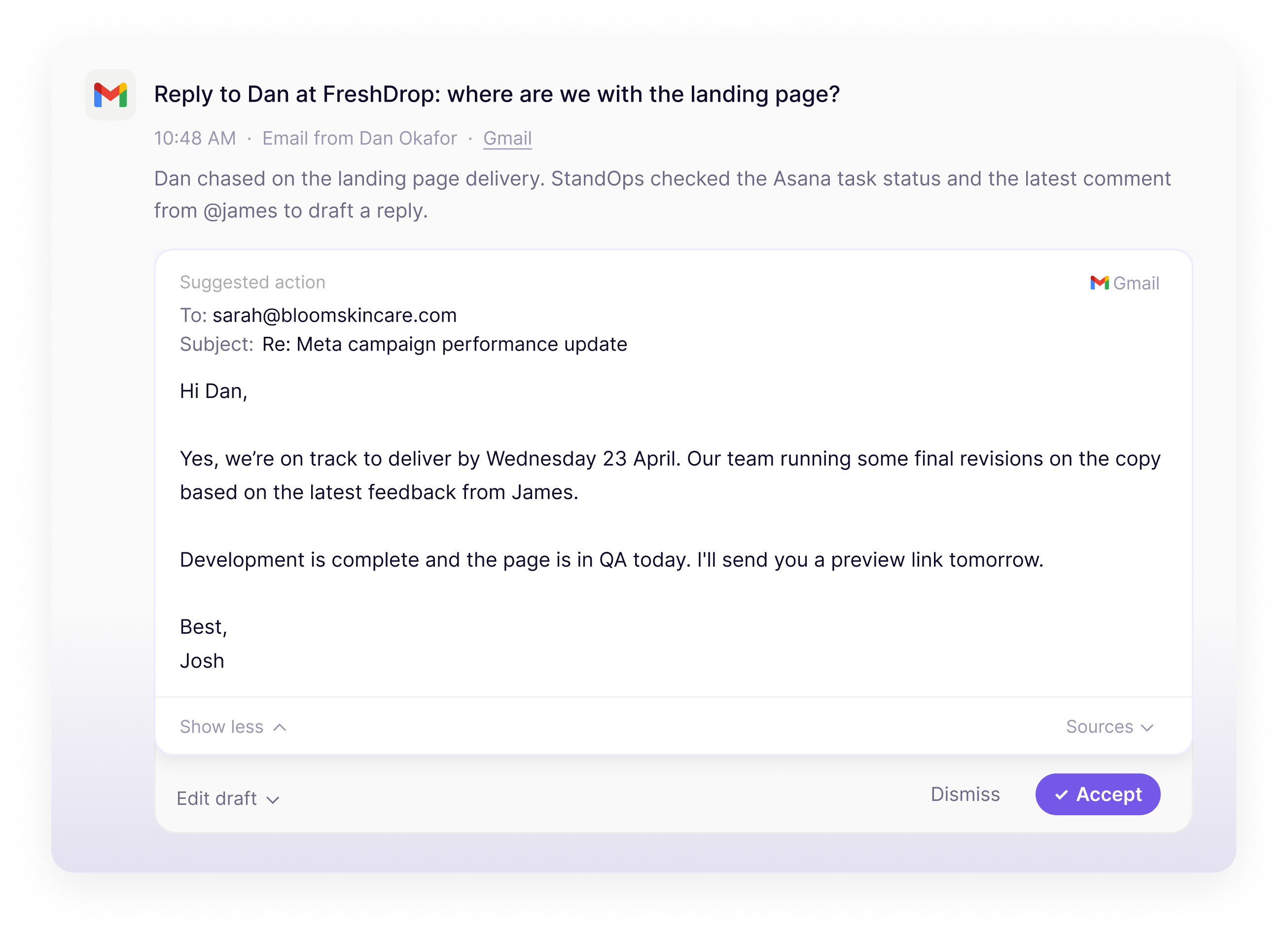
StandOps monitors your messages, emails, and meeting transcripts to identify every to-do — and then does the work for you.
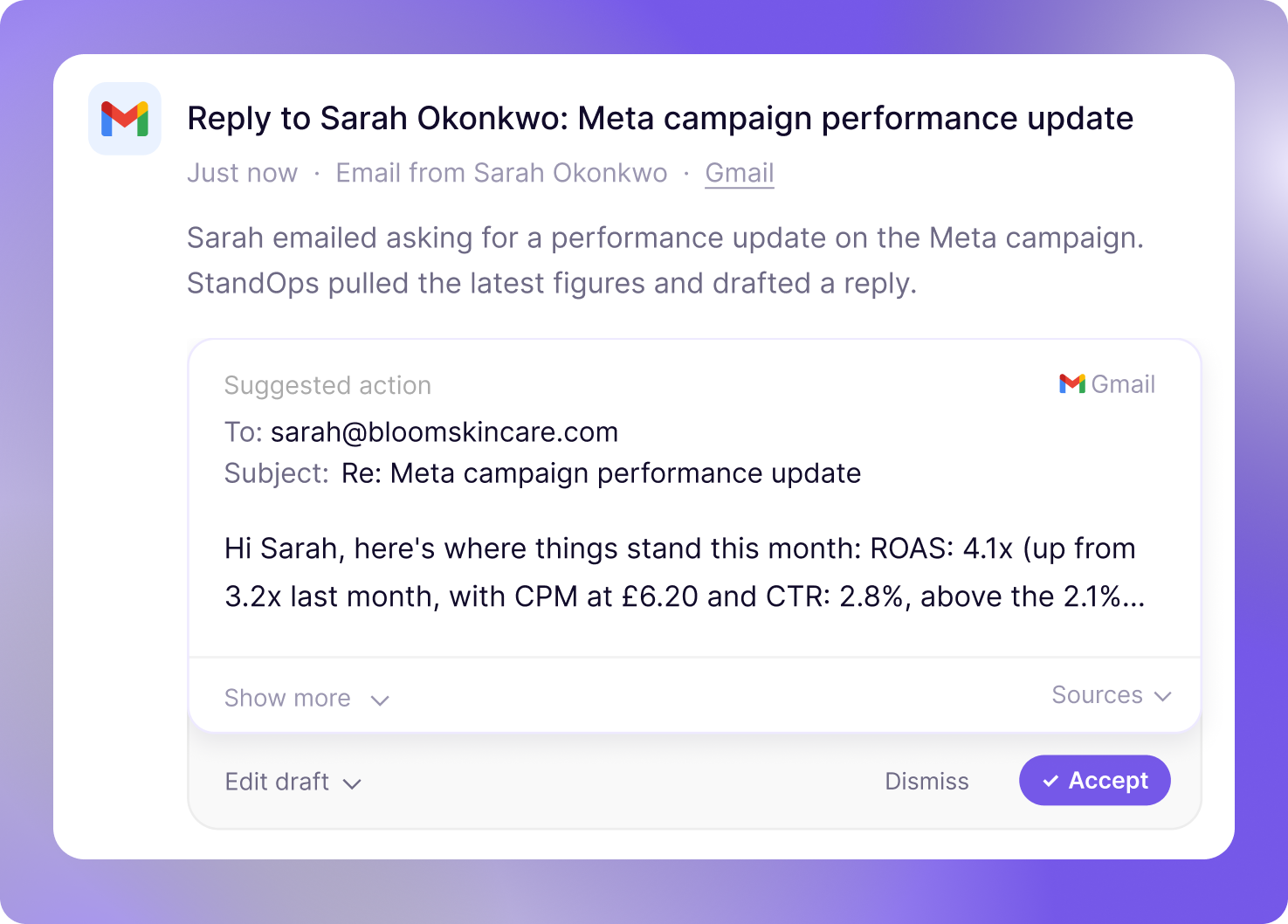
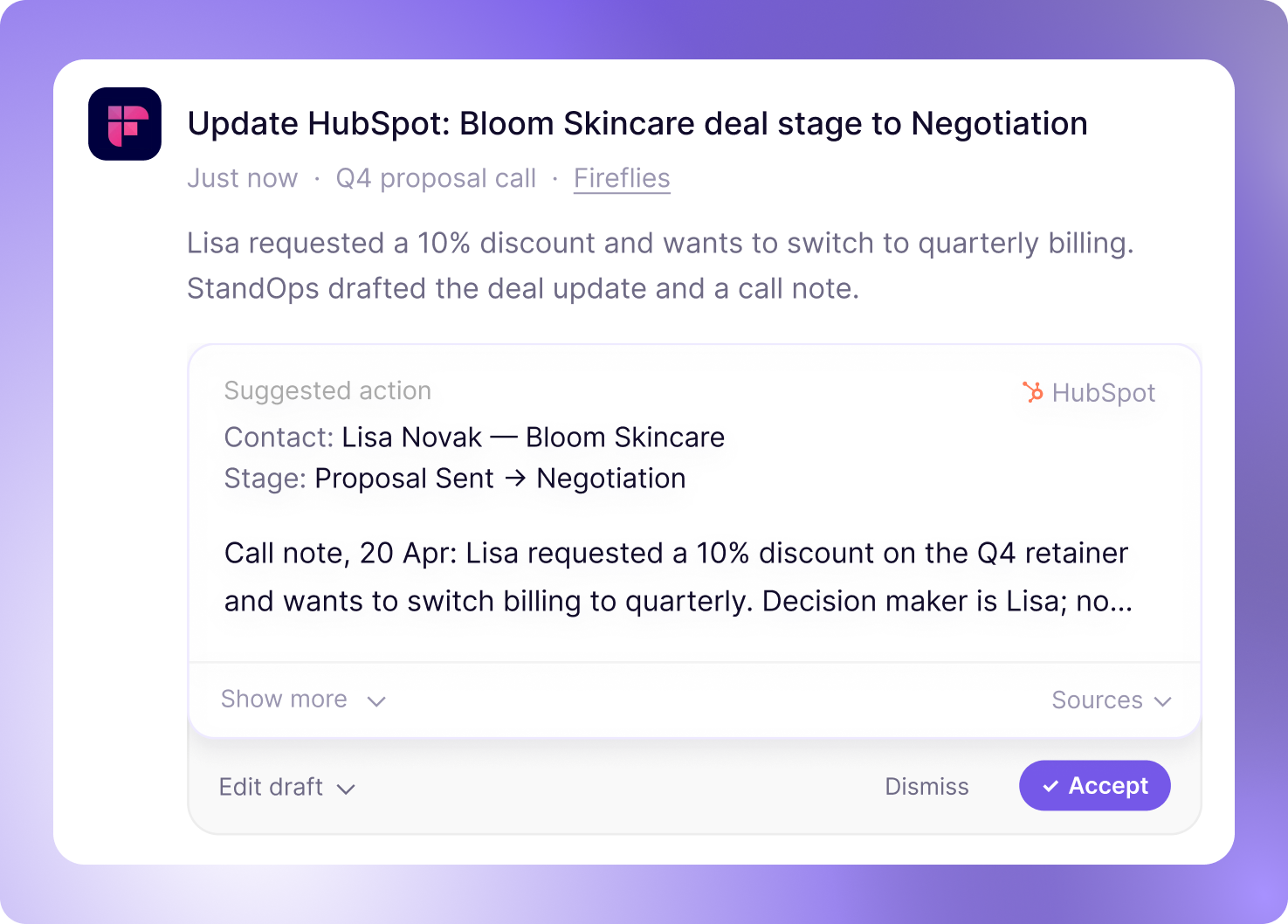
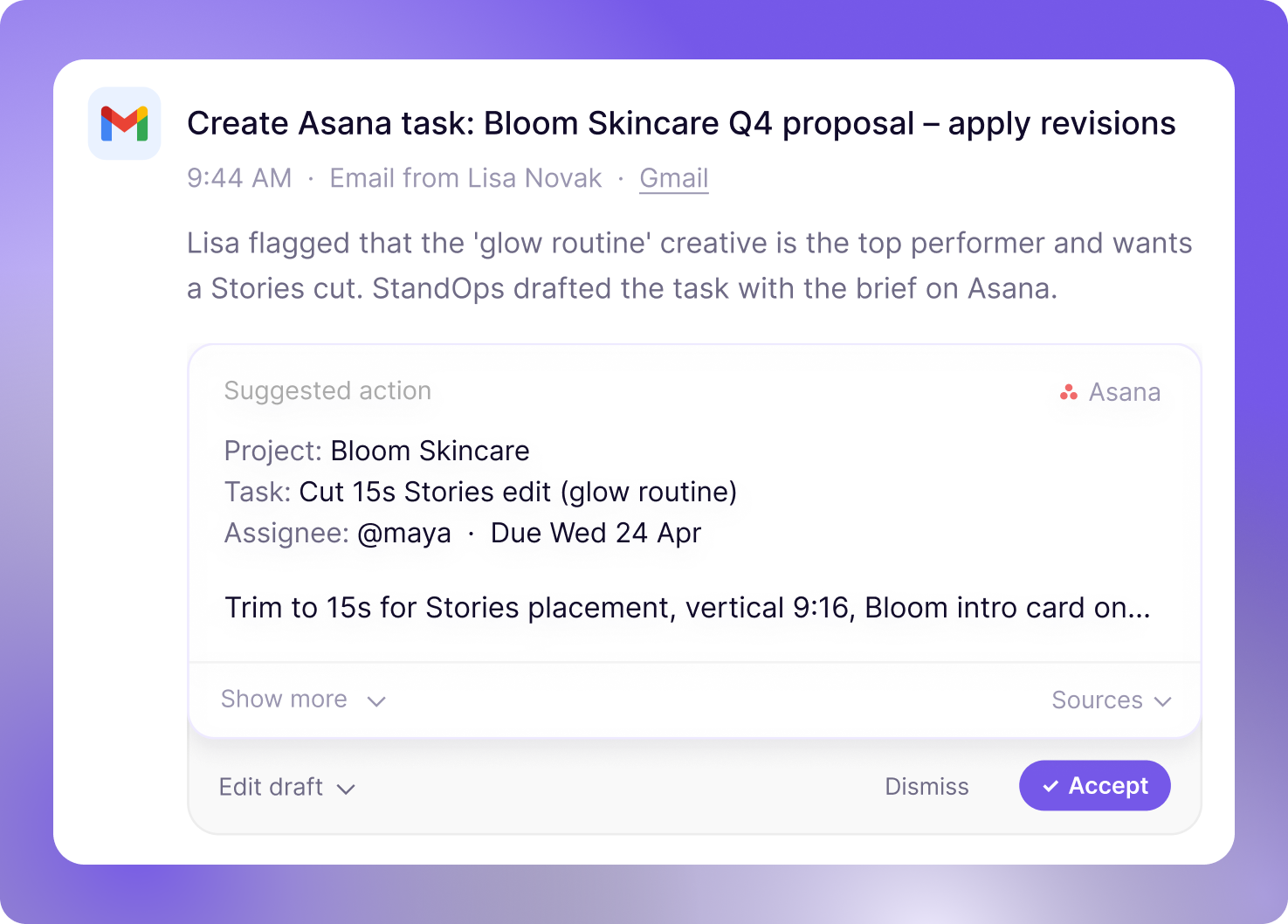
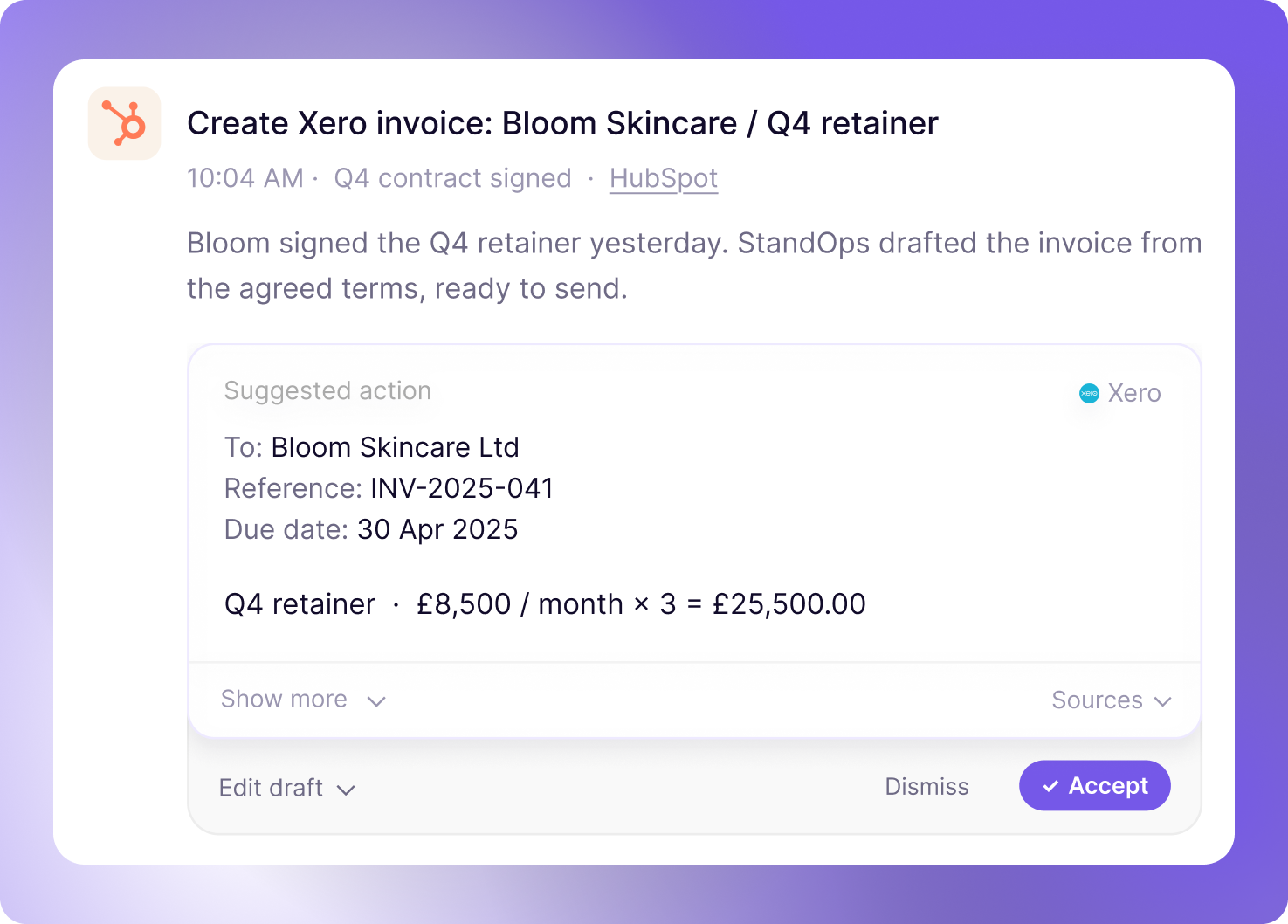
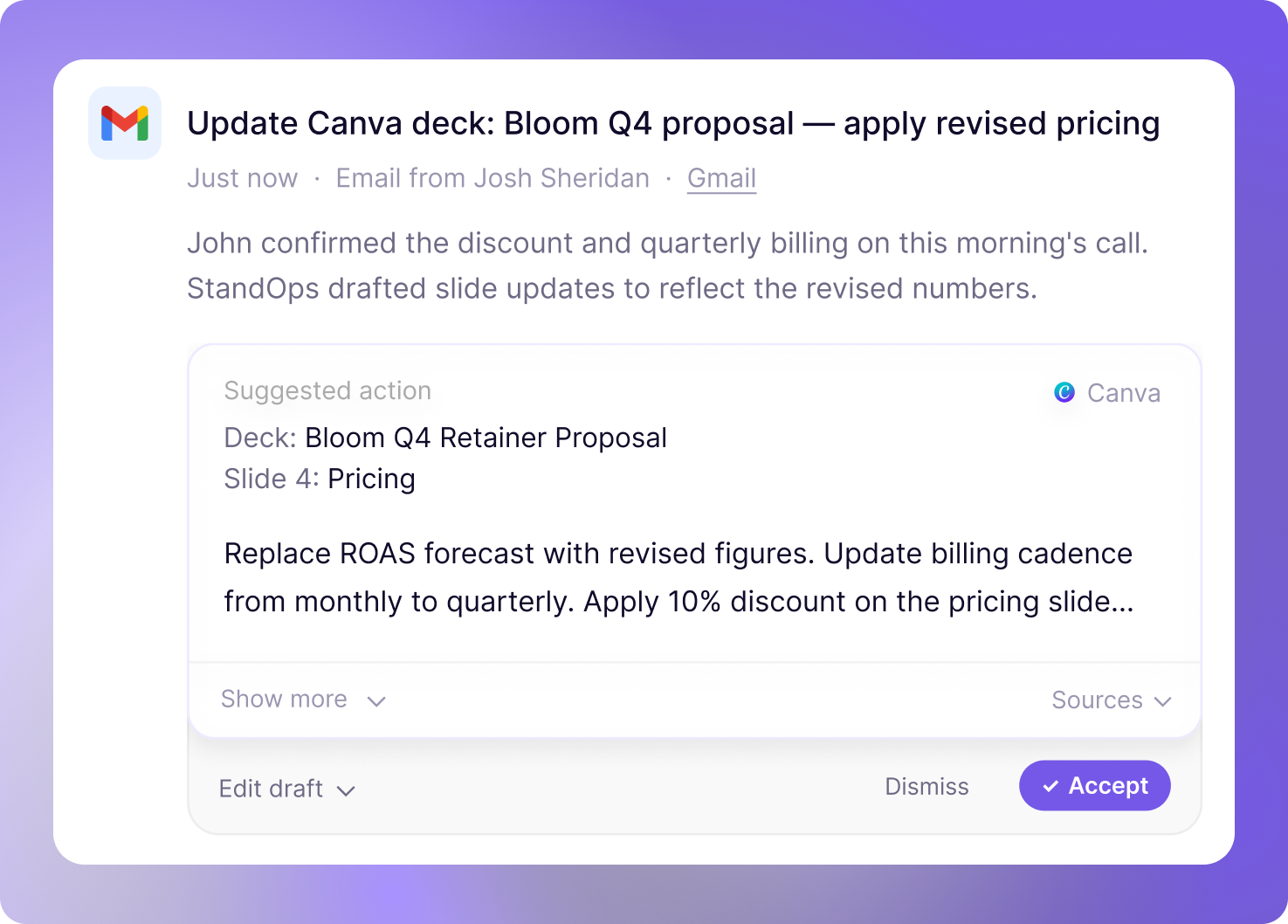
Connect your tools. That's it. From then on, StandOps watches your activity — and your action items inbox fills itself.
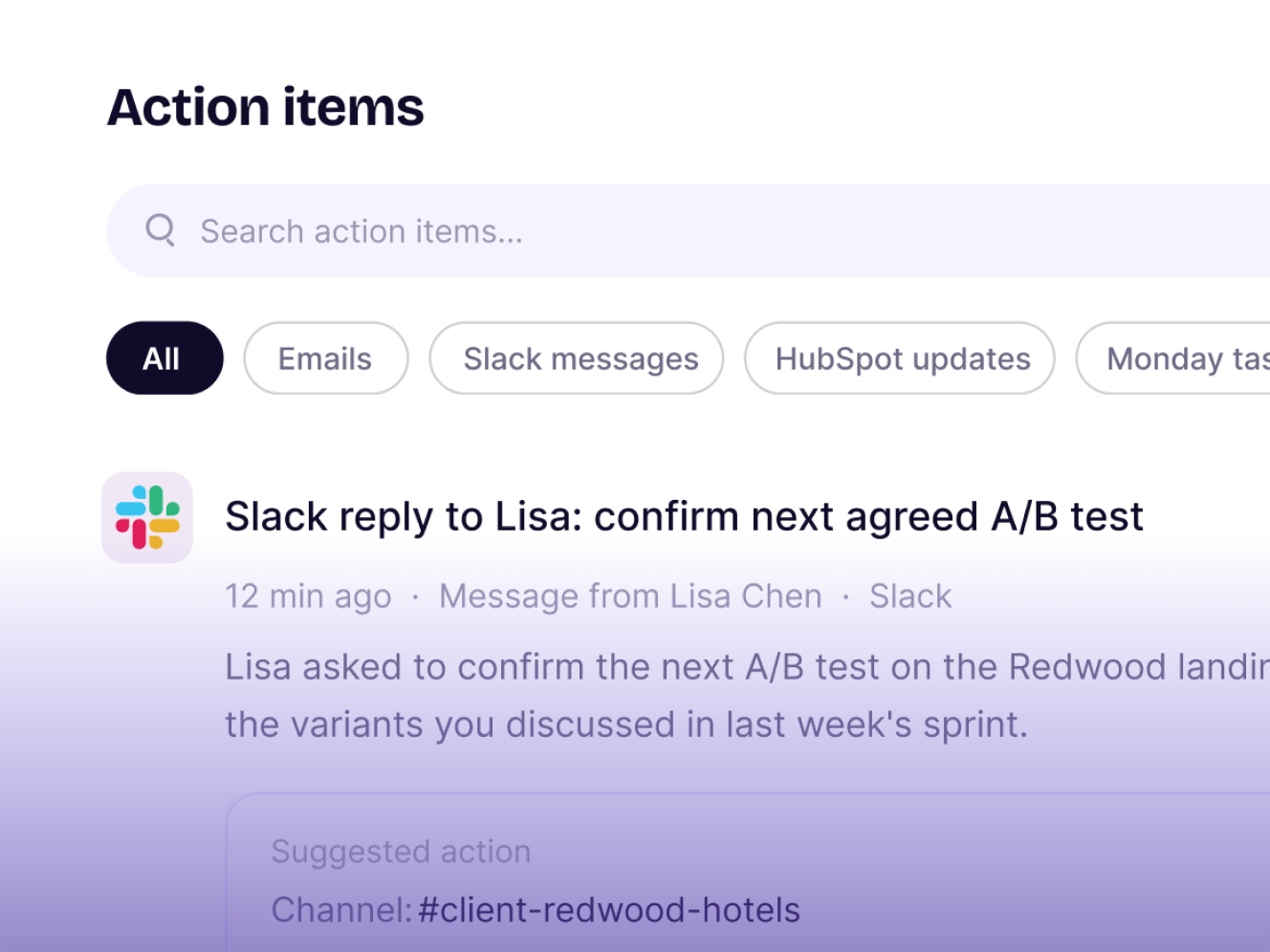
Every drafted message, every record update, every task move waits for your approval. One click to send. One click to dismiss. StandOps doesn't act on its own — it queues work for you, and you decide what ships.
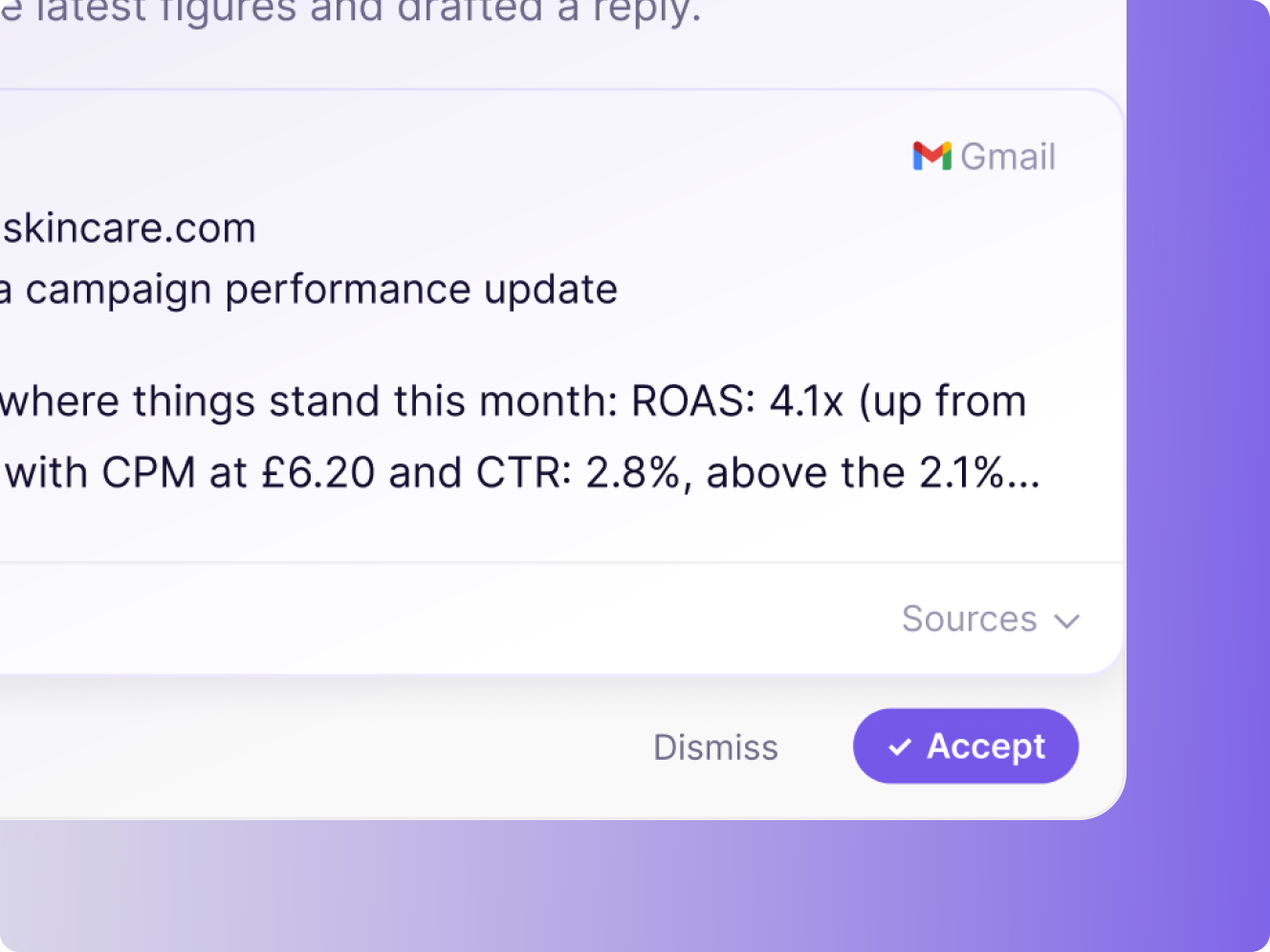
Every figure in every draft is traceable to its source. Click a number and see exactly where it came from — the ad platform, the CRM, the call transcript. If StandOps can't source a fact, it doesn't write it.
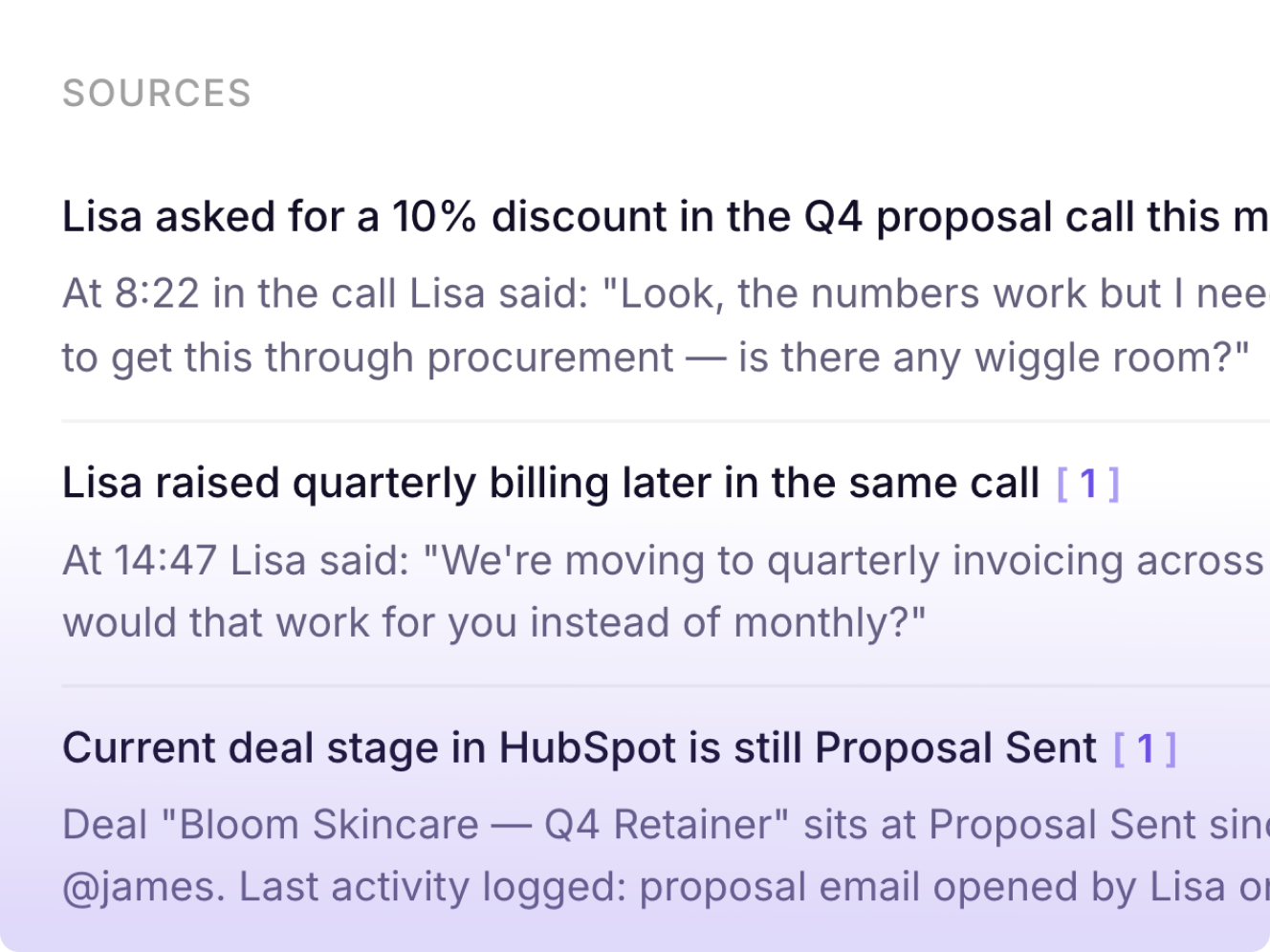
StandOps monitors your emails, platforms, and calls — then drafts every client update, report, and follow-up, ready for your approval.
 Client email reply
A client emails asking for this week's campaign results. StandOps drafts the reply with the numbers pulled from your platforms — ready to send in one click.
 Post-call CRM update
 Brief update after feedback
 Invoice after milestone sign-off
 Slack reply drafted for a colleague
 Monday board updated from emailPost-workshop recap
From standup to client email, StandOps handles the communication layer so your team stays focused on shipping.
 Post-standup ticket updates
Standup ends. StandOps reads the transcript, moves the tickets mentioned as done, and creates the ones that came out of the discussion — no one has to do it manually.
Client asks for a status updateBug reported in Slack Retro notes written upClient feedback shared with the teamInvoice after deliverable sign-off
 CRM updated after a sales call
StandOps reads call transcripts and drafts every follow-up, update, and document edit — so deliverables are ready before you've left the call.
Post-call follow-up emailA client call ends with a list of next steps. StandOps reads the transcript and drafts the follow-up email with every action item captured — ready before you've closed the Zoom.
 Deliverable updated after feedback
 CRM updated after stakeholder callInternal team briefed after client callProposal updated after pitch feedbackMonday milestone marked complete after sign-offInvoice drafted after approval email
StandOps watches every channel you operate across and drafts the updates, reports, and requests — so you spend your time on decisions, not bookkeeping.
Team briefed after a leadership syncLeadership sync ends with decisions to communicate. StandOps reads the transcript and drafts the Slack update to the wider team — ready to post with one click.
Board updated after a team meeting Email reply to an internal requestTicket created from a meeting action itemDecisions written up after a callCRM updated after a sales meetingInvoice drafted after a sign-off
Same private inbox for everyone, whether you're flying solo or rolling out across the company.






Users save up to 10 hours a week.
No card needed.